50,000+ link visits handled · used by many creators and developers like @bydestyle
fanfor.me
In-app browsers block creator links. One bio link opens them in the system browser.
Leave Instagram, Facebook, and TikTok's browser, then send visitors to your page. Free, created in a minute.
How it works
In-app browsers keep links inside the app. One bio link opens your destination in the system browser.
Setting up a single redirect? Watch the TikTok setup walkthrough
Most common
Instagram & Facebook → direct redirect
We leave the in-app browser and open your link in one step. If that fails, visitors get the open-in-browser guide.
- Visitor taps your fanfor.me link in bio
- We leave Instagram or Facebook's in-app browser
- They continue to your link in the system browser
TikTok only
TikTok needs a short tutorial
TikTok blocks auto-redirects, so we can't leave the in-app browser the same way. Visitors see a short open-in-browser guide, then continue in their system browser.
TikTok · without fanfor.me

A raw destination link can fail inside TikTok — visitors never leave the in-app browser.
TikTok · with fanfor.me
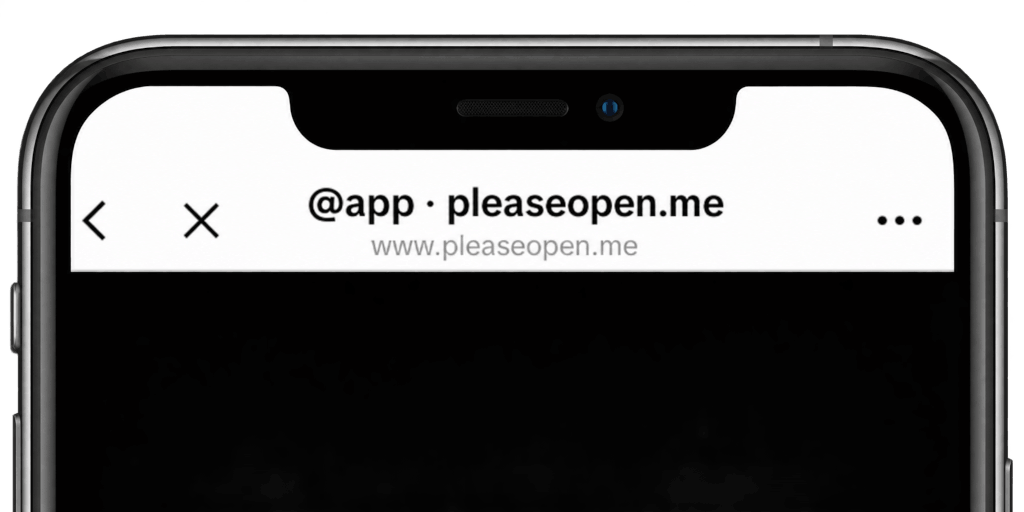
Tutorial → Open in browser → your link opens outside TikTok.
See every tap, not just clicks
Know how many people tapped your link, which app they came from (Instagram, TikTok, Facebook), whether they were on iPhone or Android, and which country they visited from.
- Countries — Where visitors open your link.
- Platform split — iPhone, Android, and desktop.
- Source app — Instagram, TikTok, and Facebook.
- Taps per button — Which button visitors actually tap.
Sample preview
Monument Valley · last 7 days
Visits11,640
Tap a country to filter devices, sources, and buttons.
Already use another link page?
Those pages still open inside Instagram, Facebook, and TikTok. Put a fanfor.me link in your bio so visitors reach your destination in the system browser.
Pricing
Free covers the bio link. Premium unlocks the rest.
| Feature | Free | Premium |
|---|---|---|
| Pages | 1 | Unlimited |
| Open-in-browser tutorial | check_circle | check_circle |
| Device redirect | check_circle | check_circle |
| Buttons | Unlimited | Unlimited |
| Themes | Ocean only | All + custom |
| Icon branding | remove | check_circle |
| Custom messages & translations | remove | check_circle |
| Analytics history | 7 days | 1 year |
| Funnel & country data | remove | check_circle |
| Custom domain | remove | check_circle |
FAQ
In-app browsers, destinations, and pricing — the short version.
Those apps open links in their own in-app browsers, which block some destinations. fanfor.me gets the visitor into their system browser, then opens your creator link.
On Instagram and Facebook we leave the in-app browser automatically. TikTok blocks that, so visitors see a short open-in-browser tutorial first, then continue in their system browser.
Yes. A multi-button page can hold as many buttons as you need, and each button can use one link or a different destination by device.
A link page, the open-in-browser tutorial, and device redirect are included. Premium adds custom domains, extra pages, themes, branding, and 1-year analytics. Monthly is $2.99, annual is $23.88 ($1.99/mo, save 33% versus monthly).
Yes, on a paid plan. Premium lets you serve your page on your own domain instead of fanfor.me/yourname.
Claim a slug, add your destination, and paste the link in your bio. Most people are live in a few minutes.
Your next viewer is one tap away from your link.
Get started free50,000+ link visits handled · used by many creators and developers like @bydestyle